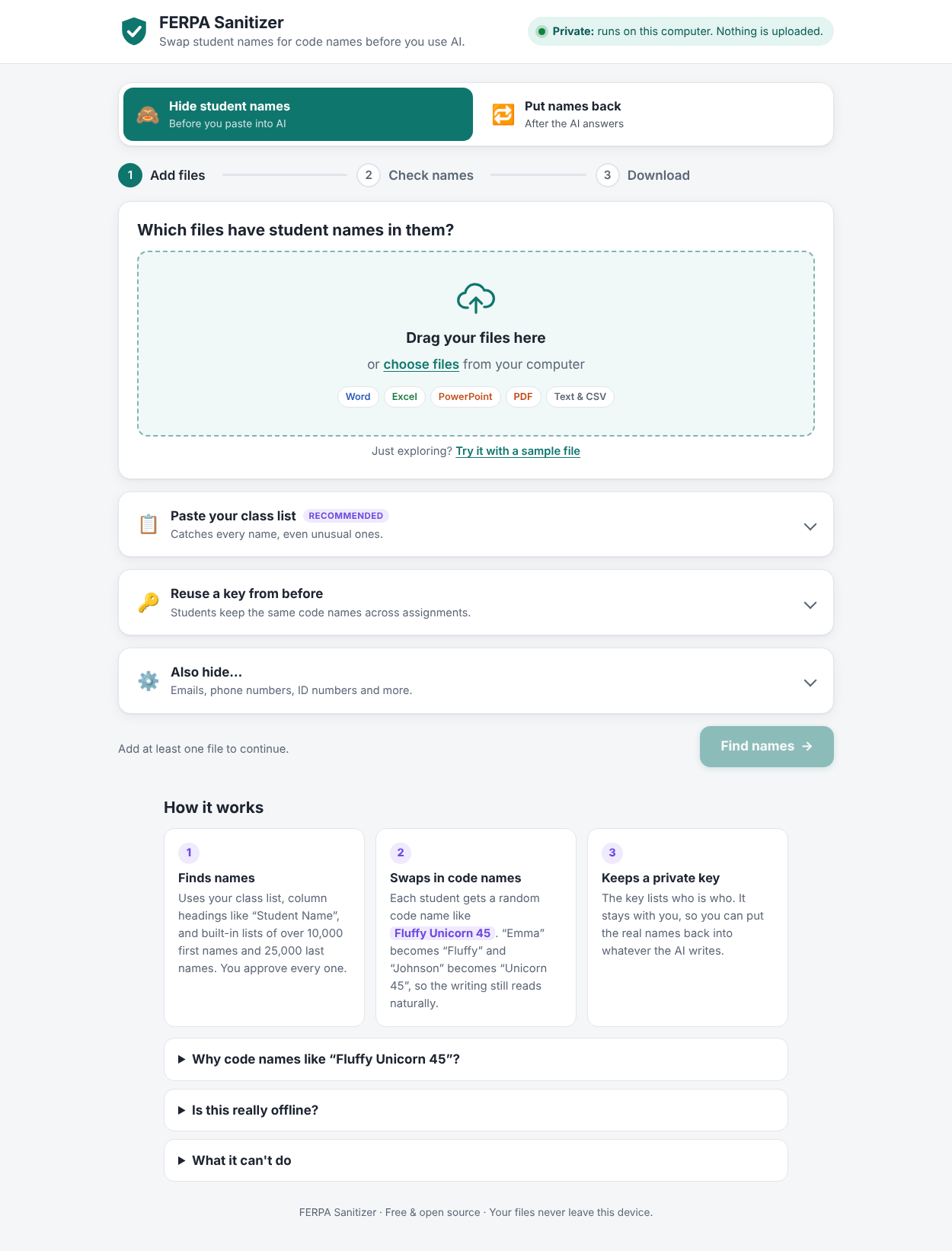
Hide student names in your real files before using AI
Drop in a Word, Excel, PowerPoint or PDF file. Every student becomes a code name like Fluffy Unicorn 45, and your formatting, tables and formulas stay exactly as they were. When the AI answers, put the real names back in one click.
.docx.xlsx.pptx.pdf.txt / .csv
Free · Works offline · Nothing is ever uploaded
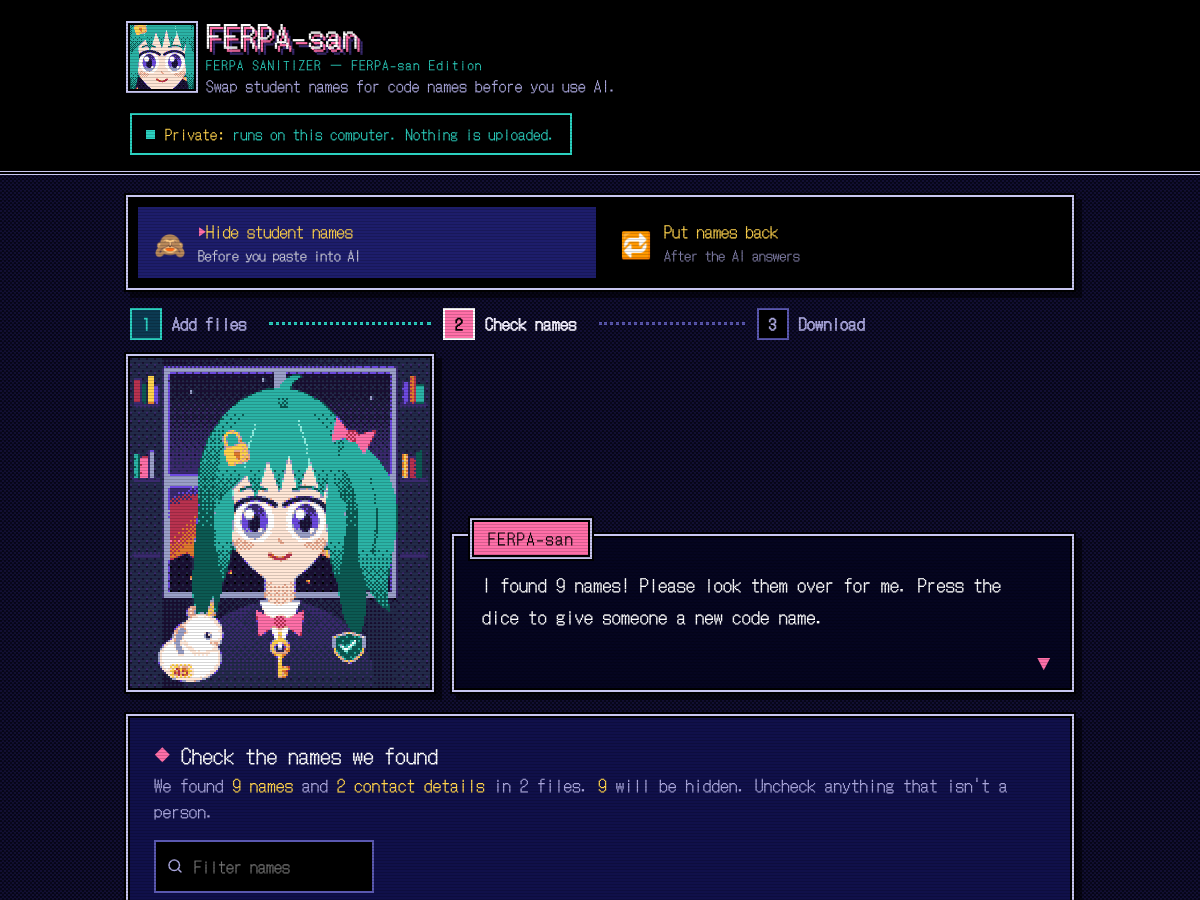
FERPA-san Edition
The same tool as a PC-98 style visual novel. FERPA-san, the school's privacy librarian, walks you through every step.
Downloaded? Save the file to your Desktop and double-click it. It works with no internet connection. Opening it in your browser here is private too: your files are processed on your computer, not on a server.
How it works
1
Add your files. Paste your class list too, so it catches every name.
2
Check the names. You see every name it found and approve each one.
3
Download. Give the sanitized file to AI. Keep the private key to yourself.
4
Put names back. Paste the AI's answer and the real names return.
It works on the real file, not just pasted text
- Formatting, fonts and layout are kept
- Word tables, headers, footers and comments
- Excel formulas, sheet names and student ID columns
- PowerPoint slides and speaker notes
- Tracked changes and alt text on pictures
- Emails, phone numbers and student IDs
- Same code names every week if you reuse your key
- PDFs come out as clean text for AI